
Every so often, a document release reminds us that technology doesn’t fail quietly. It fails loudly, publicly, and sometimes embarrassingly.
Recent reporting around the release of documents connected to the Epstein case revealed a familiar but troubling issue: some files that were supposedly redacted still contained recoverable text. On screen, everything looked correct. Black boxes covered names and passages. Sensitive information appeared hidden. But beneath the surface, the original content was still there, intact and extractable. Meta also made a similar high-profile mistake not so long ago.
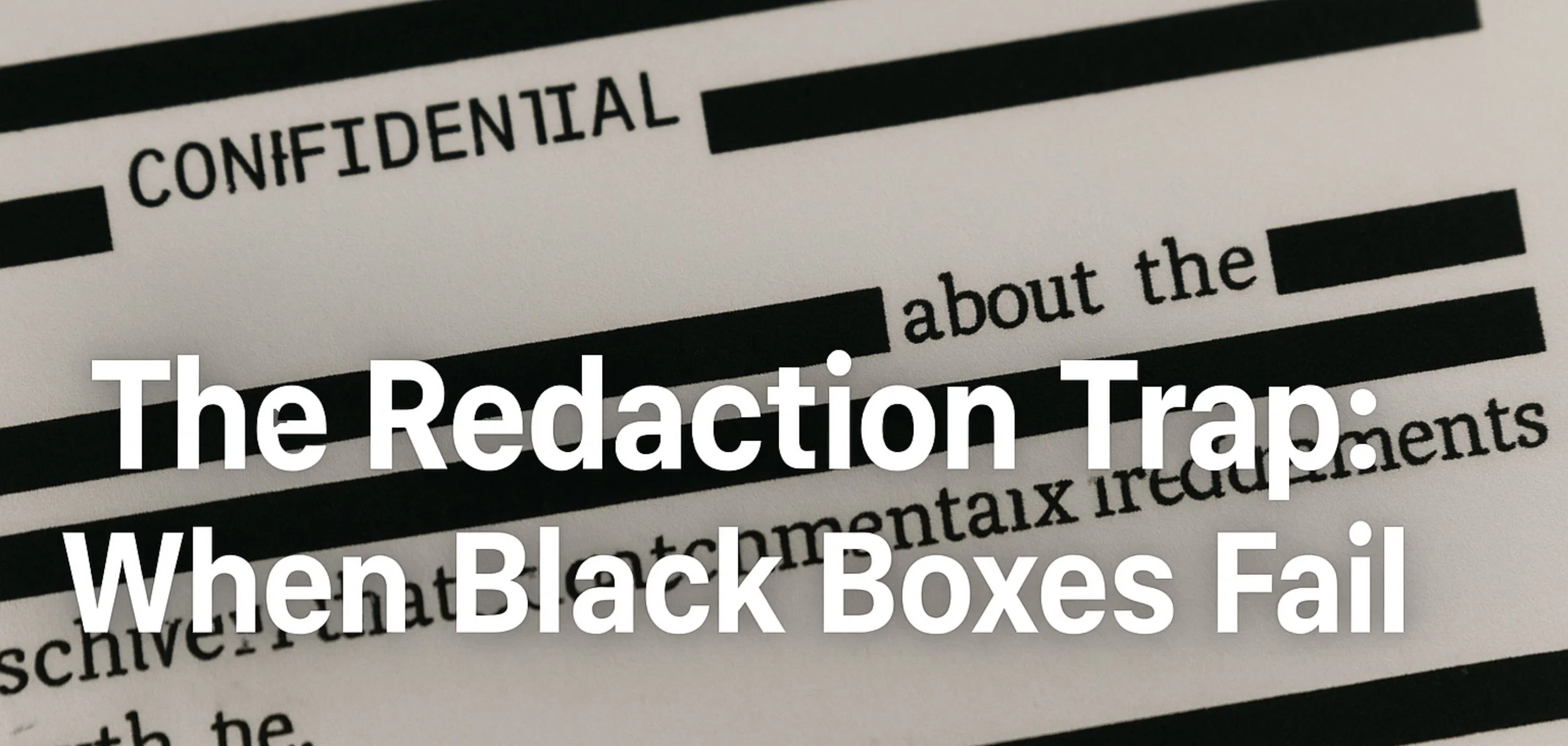
In some cases, all it took to expose that “redacted” text was copying the document and pasting it into Microsoft Word.
This isn’t a story about politics or intent. It’s a story about how PDF redaction is widely misunderstood and how visual concealment is often mistaken for actual data removal.
The Illusion of Redaction
Most people think redaction is about appearance. If the text is no longer readable on the screen, the job must be done. That assumption is understandable, but it is also dangerously wrong.
Many tools simply place a black rectangle or highlight layer over the text. The underlying words remain embedded in the PDF’s content stream, fully searchable and fully extractable. To the human eye, the information appears hidden. To software, it is still very much present.
PDFs are not flat documents. They are structured containers made up of objects, layers, fonts, and streams. If the redaction process does not actively remove or rewrite those objects, the data survives. That is how someone can select all, copy, paste, and suddenly see text that was never meant to be visible again.
When this happens in high-profile cases, it makes headlines. When it happens quietly inside companies, law firms, or government agencies, it becomes a compliance risk, a legal liability, or a data breach waiting to be discovered.
Why “Looks Redacted” Is Not Good Enough
The problem is not that redaction is hard. The problem is that many tools treat it as a cosmetic feature rather than a destructive one.
True redaction must permanently alter the document. It must remove the original text from the PDF’s internal structure, rebuild the content stream, and ensure there is nothing left to recover, whether through copy-and-paste, search, OCR, or programmatic extraction. If the original text can be reconstructed in any form, then the redaction has failed.
This distinction matters more than ever. Documents are no longer read only by humans. They are processed by automated systems, indexed by search engines, scanned by AI tools, and ingested into workflows where any hidden text can resurface unexpectedly.
In that environment, visual redaction is not just insufficient, it is misleading.
Doing Redaction the Right Way
This is where purpose-built tools make all the difference.
All-About-PDF approaches redaction from a fundamentally different angle. Instead of hiding content, it removes it. When text is redacted, it is physically stripped from the PDF. The document is rewritten so that the sensitive information no longer exists anywhere inside the file.
The result is not just a cleaner-looking document, but a safer one. Copying and pasting the file into Word yields nothing where redaction occurred. Searching the document returns no hidden matches. Extracting text programmatically reveals no remnants. The data is gone, not obscured.
That distinction is subtle to explain but critical in practice. It is the difference between hoping sensitive information stays hidden and knowing that it cannot be recovered.
The Real Lesson From These Failures
What recent document releases highlight is not a rare edge case or a sophisticated attack. They reveal how easy it is for redaction to fail when the wrong tools or methods are used.
No advanced hacking was required. No forensic expertise. Just everyday software doing exactly what it is designed to do: extract text that was never actually removed.
If redaction fails at that level, then the process itself needs to be reconsidered.
Final Thoughts
Redaction is about trust. When a document is shared publicly or internally with certain information removed, there is an implicit promise that the removed data is truly gone. Breaking that promise, even unintentionally, has real consequences.
Black boxes are not security.
Appearance is not protection.
And “we didn’t realize” is not a defense anymore.
If you handle sensitive PDFs, the question is not whether your documents look redacted, but whether the original content can still be recovered.
With the right tools, it cannot. And that is exactly how redaction should work.